Skip to content

Send an invoice to any client in a minute.

In their currency and format, sent by email, with an alert when they open it. No accounting software to learn.

A one-minute tour, with sound: create, send and get paid.
Northwind Labs opened INV-0042$1,800.00 · we emailed you the moment they didMon

Invoice across borders

See what a BillMinute invoice looks like for your route.

Tax Invoice

Invoice no.
INV-0042
Issue date
01/10/2026
Due date
15/10/2026

From

Asha Rao Design Studio

12 MG Road, Bengaluru 560001

India

GSTIN: Shown on your invoice

asha@example.com

Bill to

Example Client (United States)

United States

accounts@example.com

DescriptionQtyUnit priceTaxAmount
Website design, October1$1,800.00$1,800.00
Extra revisions (hours)4$45.00$180.00
Subtotal
$1,980.00
Total
$1,980.00

Supply meant for export under LUT without payment of integrated tax (IGST).

Payment details

Bank transfer. Account details are shown here on your real invoices.
Sample invoice from India to the United States

The export note applies only if you have filed a Letter of Undertaking (LUT).

How to invoice a client in the United States from India

How it works

Create. Send. Get paid.

From a blank invoice to money in your account, in five steps.

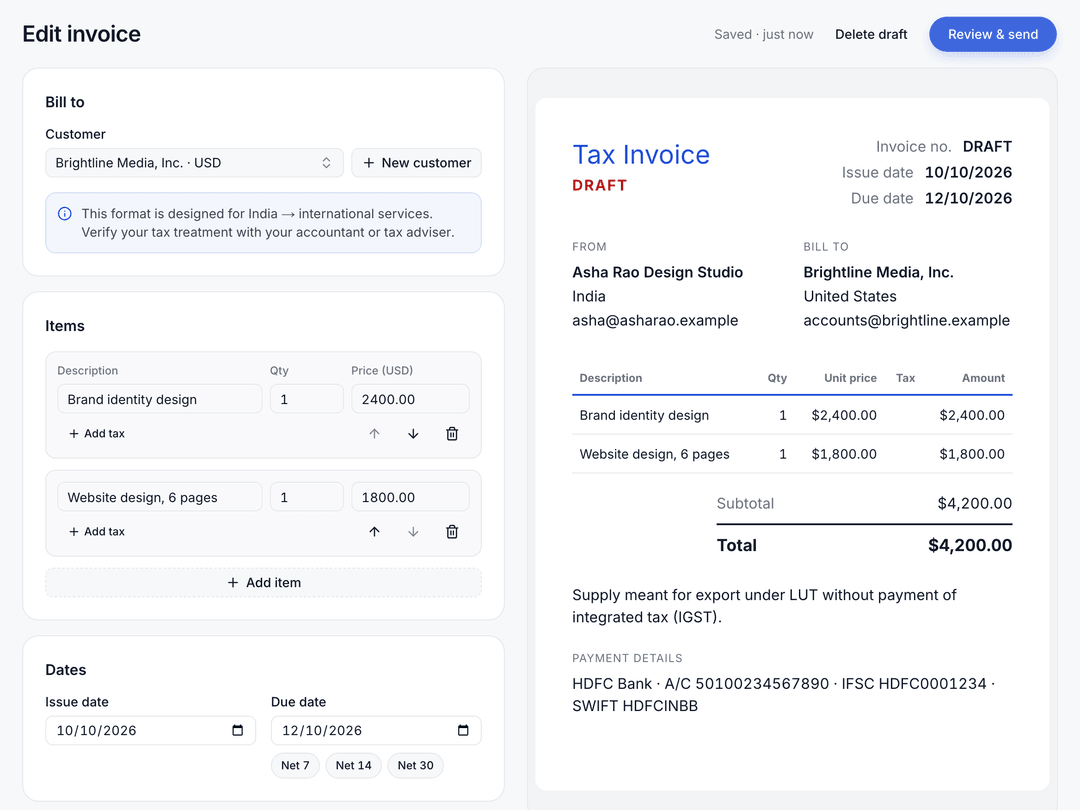
  1. Create the invoice

    Pick a customer and add what you did. Their currency comes with them, and BillMinute does the math.

    • A live preview of the invoice as you type
    • Country formats for India, the UK, the US, Canada, Australia and the EU
    • Set the due date in one tap: Net 7, 14 or 30
    BillMinute invoice editor with a live preview of an invoice from India to the United States
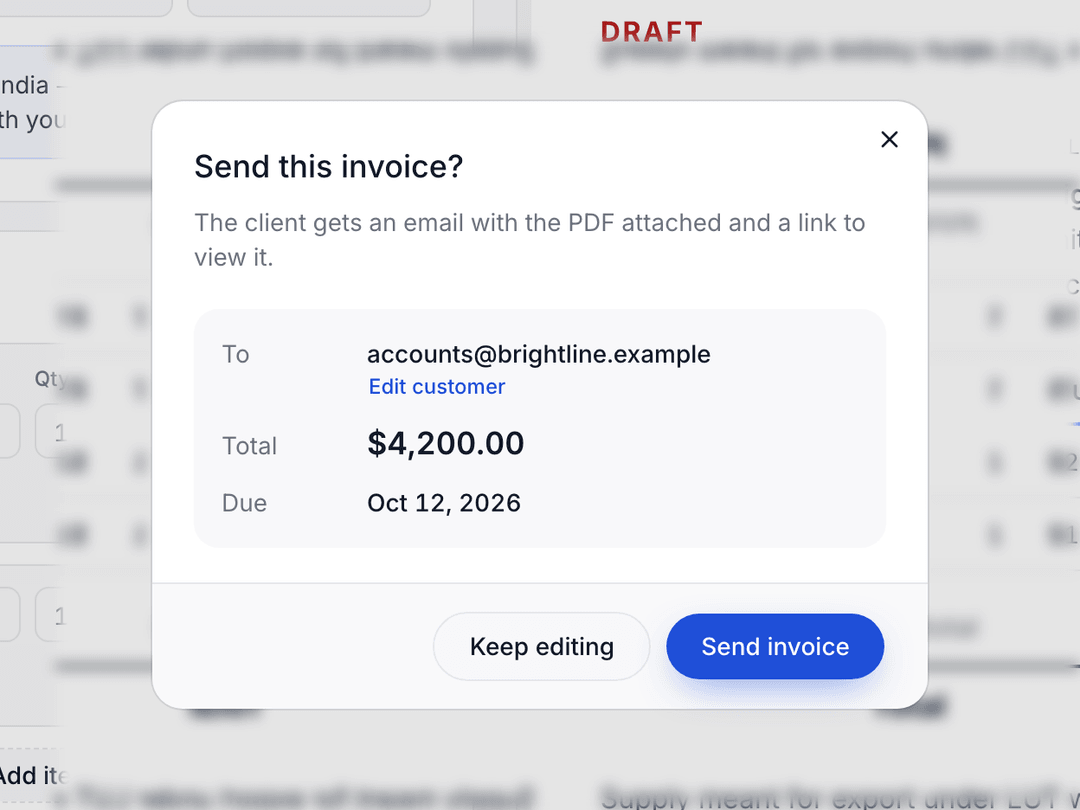
  2. Send it

    One click emails your client the PDF and a link to view the invoice online.

    • Check who it goes to, the total and the due date first
    • Your client doesn’t need an account
    • Send the same invoice again from its page
    The send dialog, ready to email the invoice to the client
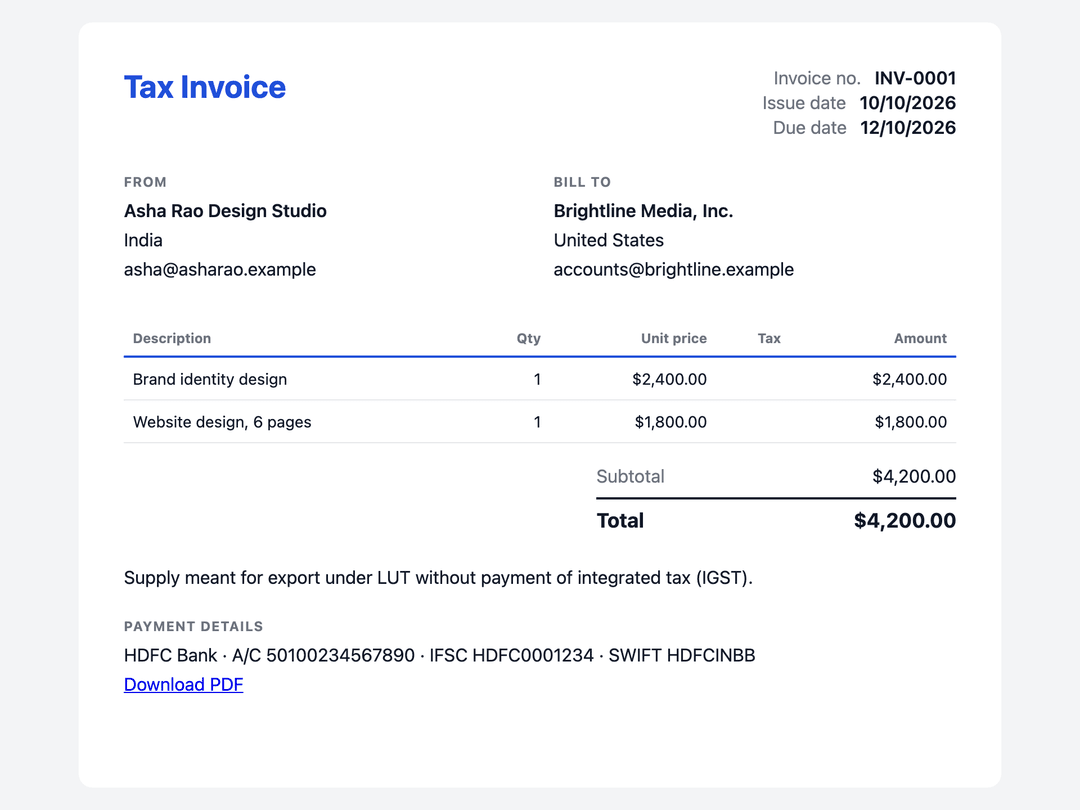
  3. Your client opens it

    They see a clean invoice in their browser, with the PDF a click away.

    • We email you the moment they open it
    • Your bank details on every invoice
    • Up to five payment links, such as Stripe or PayPal
    The invoice as the client sees it in their browser, with a PDF download
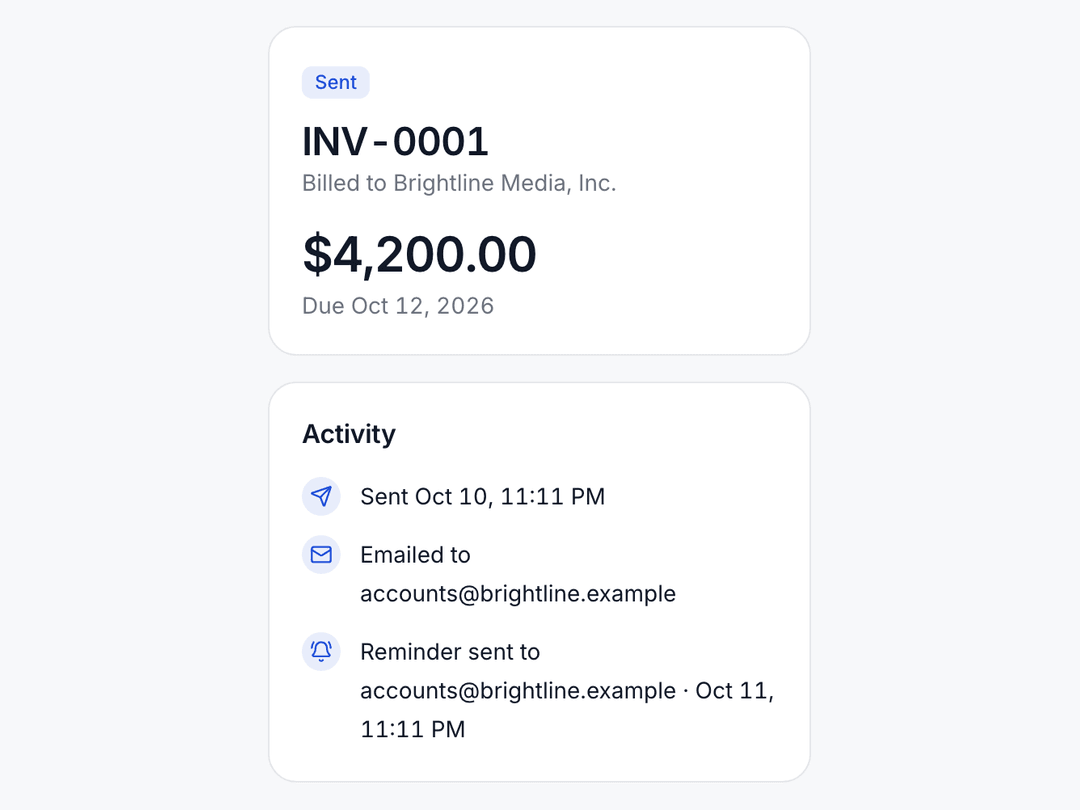
  4. A reminder goes out

    When an invoice is overdue, BillMinute reminds your client so you don’t have to.

    • One automatic overdue reminder on Free
    • Pro: reminders before and after the due date, in your words
    • Pro: late fees on overdue invoices
    Invoice activity showing an automatic reminder sent to the client
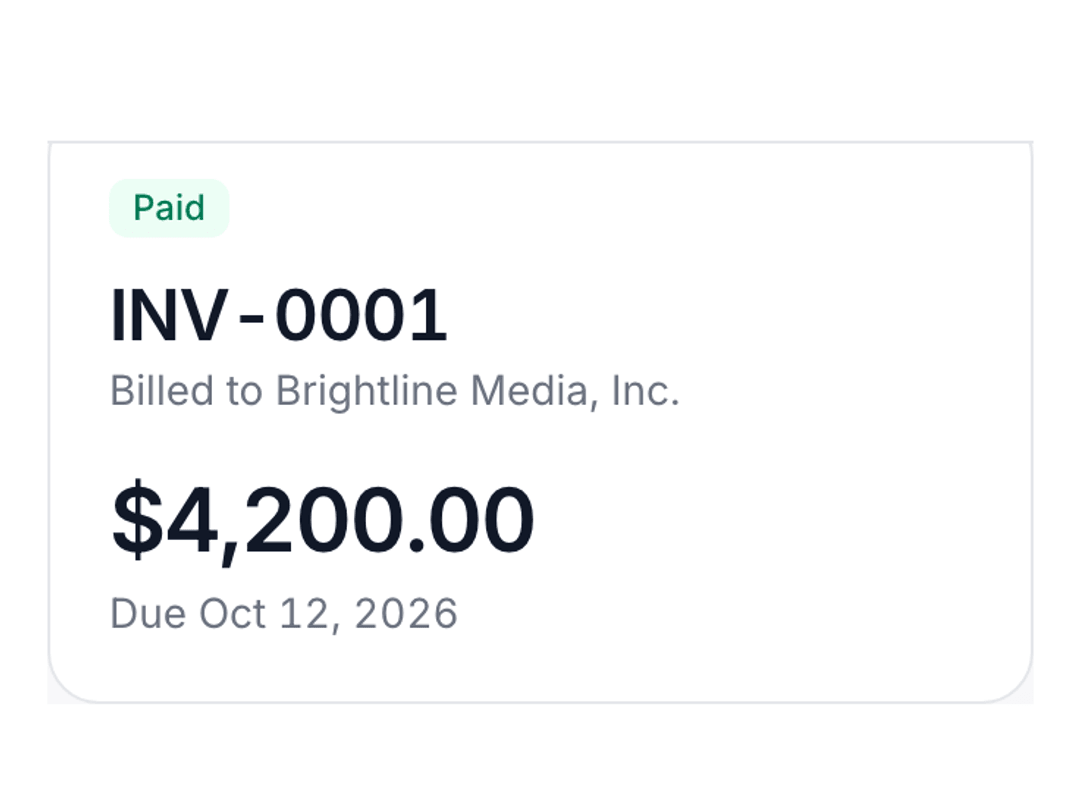
  5. Marked paid

    Your client pays you directly. When the money arrives, mark the invoice paid.

    • BillMinute never holds or processes your money
    • Sent, viewed, overdue and paid at a glance
    • Export your invoices as CSV, on Free and Pro
    The invoice marked as paid, with the payment in its activity

Everything an invoice needs. Nothing it doesn’t.

Just the parts of invoicing you actually use, done properly.

Pricing that stays simple

Every plan includes country formats, PDF and email delivery, open alerts, and a real person on support.

  • Free

    10 invoices a month. No card needed.

    $0/month

    Start free
    • 10 invoices sent a month
    • Unlimited customers and templates
    • PDF, email and shareable link
    • See when it’s opened, mark it paid
    • Open and overdue alerts
    • One overdue reminder to your client
    • Country formats, branding and CSV export
    • Human support
    • Small “Made with BillMinute” footer on invoices
  • Pro

    Unlimited

    Unlimited invoices, recurring invoices, full reminders and late fees.

    $5/month

    Upgrade to Pro
    • Everything in Free
    • Unlimited invoices
    • Recurring invoices on a schedule
    • Reminders before and after the due date, in your words
    • Late fees on overdue invoices
    • No “Made with BillMinute” footer
    • Cancel any time from Settings

Not sure yet? Start on Free.

Send real invoices to real clients first. Upgrade from Settings when you outgrow 10 a month. Drafts never count toward the limit.

Compare plans

Common questions

What counts as an invoice?

An invoice you send. Drafts don’t count toward your monthly limit.

What happens after 10 invoices?

Your drafts are kept. Upgrade to Pro to keep sending, or wait until the 1st, when your count resets.

Can I cancel Pro any time?

Yes, from Settings. You keep Pro until the end of the period you’ve paid for.

Does BillMinute ever hold my money?

No. Your clients pay you directly. BillMinute doesn’t process payments.

How do my clients pay me?

Directly, the way you already get paid. Add your bank details or payment instructions, and up to five payment links such as your Stripe or PayPal link. They appear on every invoice.

Does my client need an account?

No. They get an email with the PDF attached and a link to view the invoice online.

Are my invoices tax or legally compliant?

BillMinute gives you country formats and the wording businesses commonly use, but you choose your own tax rates and details. Check with your accountant that your invoices meet your local rules.

Is there a footer on Free invoices?

Yes, a small “Made with BillMinute” line. Pro removes it.

What currency is Pro billed in?

US dollars: $5 a month by card. If your card is in another currency, your bank may add a conversion fee.

Can I export my data?

Yes. Download your invoices as CSV from Settings, on Free and Pro.

Which countries can I invoice?

Any. There are country formats for India, the UK, the US, Canada, Australia and the EU, plus a general format for everywhere else.

Will BillMinute email me?

Only about your account: when a client opens an invoice, when one couldn’t be delivered or becomes overdue, a short summary on Mondays, and one email if you haven’t sent your first invoice in your first week. Every notification email has a link to turn it off.

Have any other questions? A person replies within one business day.
support@billminute.com

Send your next invoice in a minute.

Create it, send it and see when your client opens it. No card needed for the free plan.